
Journey To ChinaLast updated
Scan with WeChat, Alipay or Meituan
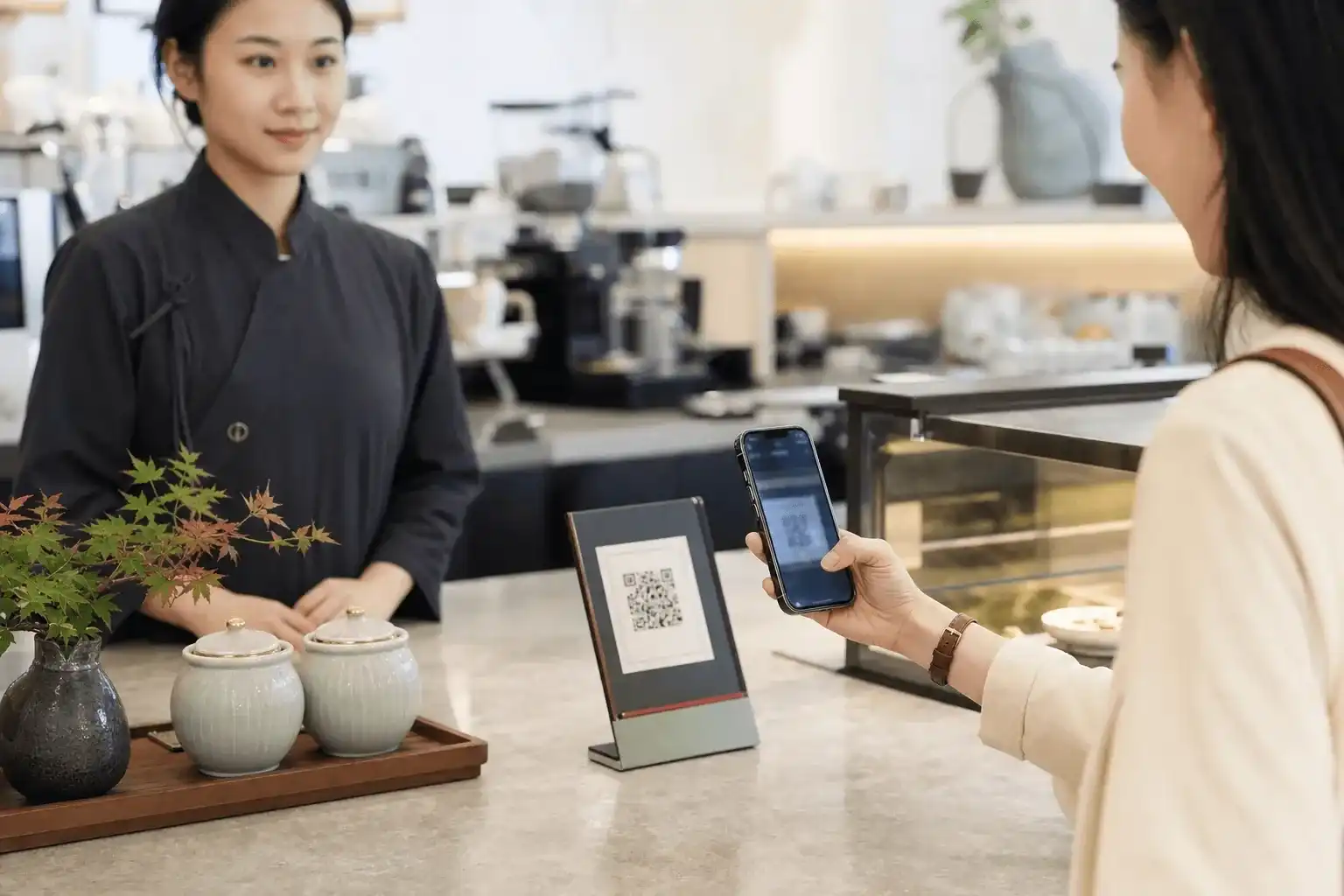
Table ordering by QR code is common in restaurants across mainland Chinese cities, from national chains and shopping-centre dining rooms to neighbourhood noodle shops. Look for a code on a table card, sticker or holder near the condiments. Scanning opens that restaurant's mobile menu; choose the dishes, options and quantities, then submit the table order. Some restaurants take payment immediately, while others settle the bill after the meal.
The card usually shows which app can read it. Use WeChat Scan for a WeChat mark, the scanner on Alipay's home screen for an Alipay mark, or the scanner in the Meituan app when Meituan is listed. Some codes support several apps, while others open only one platform's Mini Program, so follow the marks printed beside the code.
Once opened, the page normally carries the restaurant name and table number into the menu or shopping basket. The table number links the phone order to the physical table. Ask a member of staff which code to use if the party changes tables.
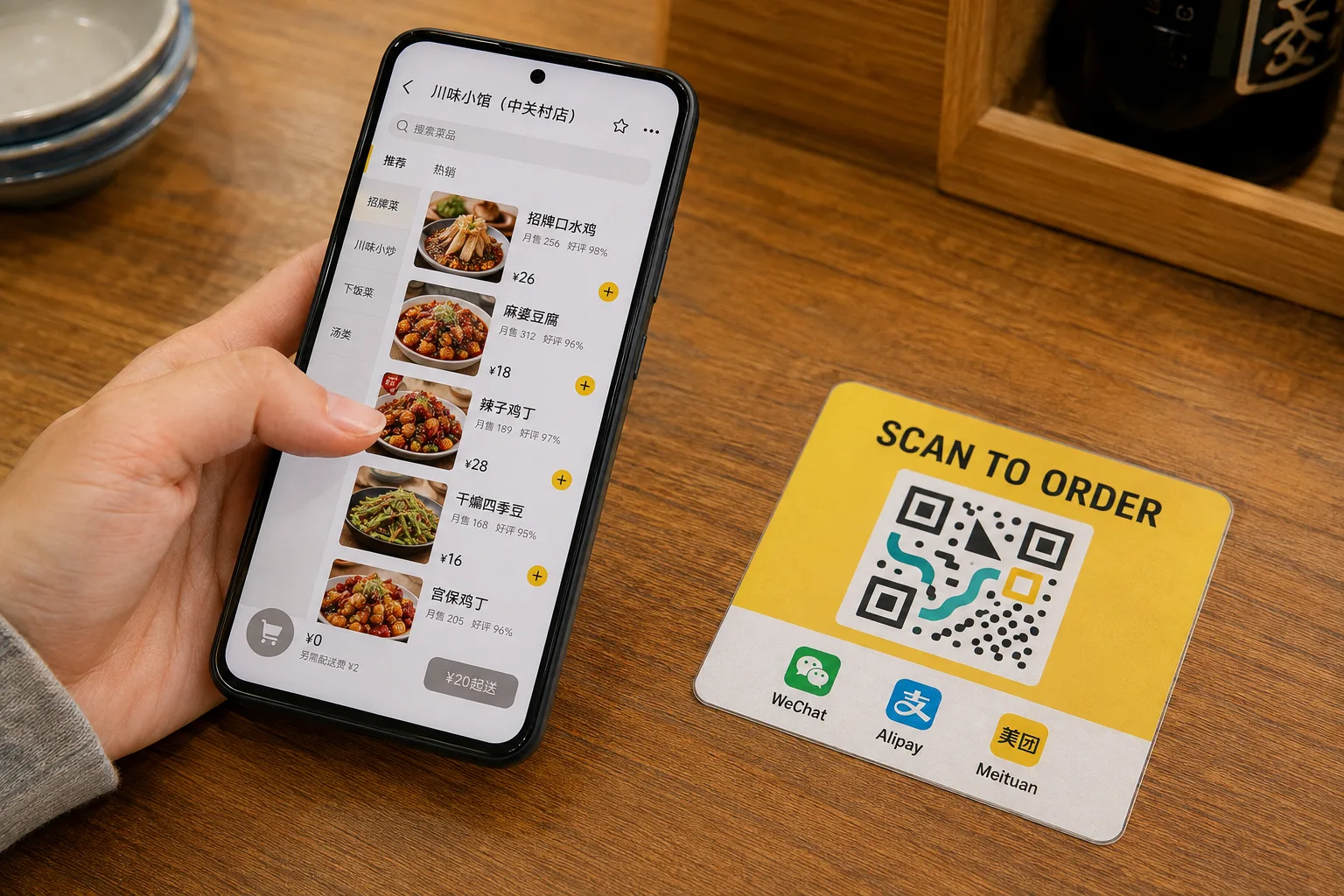
The QR code is illustrative and cannot place a real order; use the app marks printed by the restaurant.
Our WeChat guide, Alipay guide and essential apps guide cover installation and initial account setup.
Place the order from the mobile menu
Menus often group dishes into hot dishes, cold dishes, staples and drinks. Opening an item may reveal choices for portion size, chilli level, cooking style, flavour or extras. Add each selection to the basket and adjust the quantities there, especially when several people will share the dishes.
Before submitting, check the table number, dish names, quantities, options and total. The final button may mean Submit order, Order now or Checkout. Some systems send the order to the kitchen before payment; others confirm it only after payment succeeds. The next screen should show whether the order was submitted, is being prepared or has been paid.
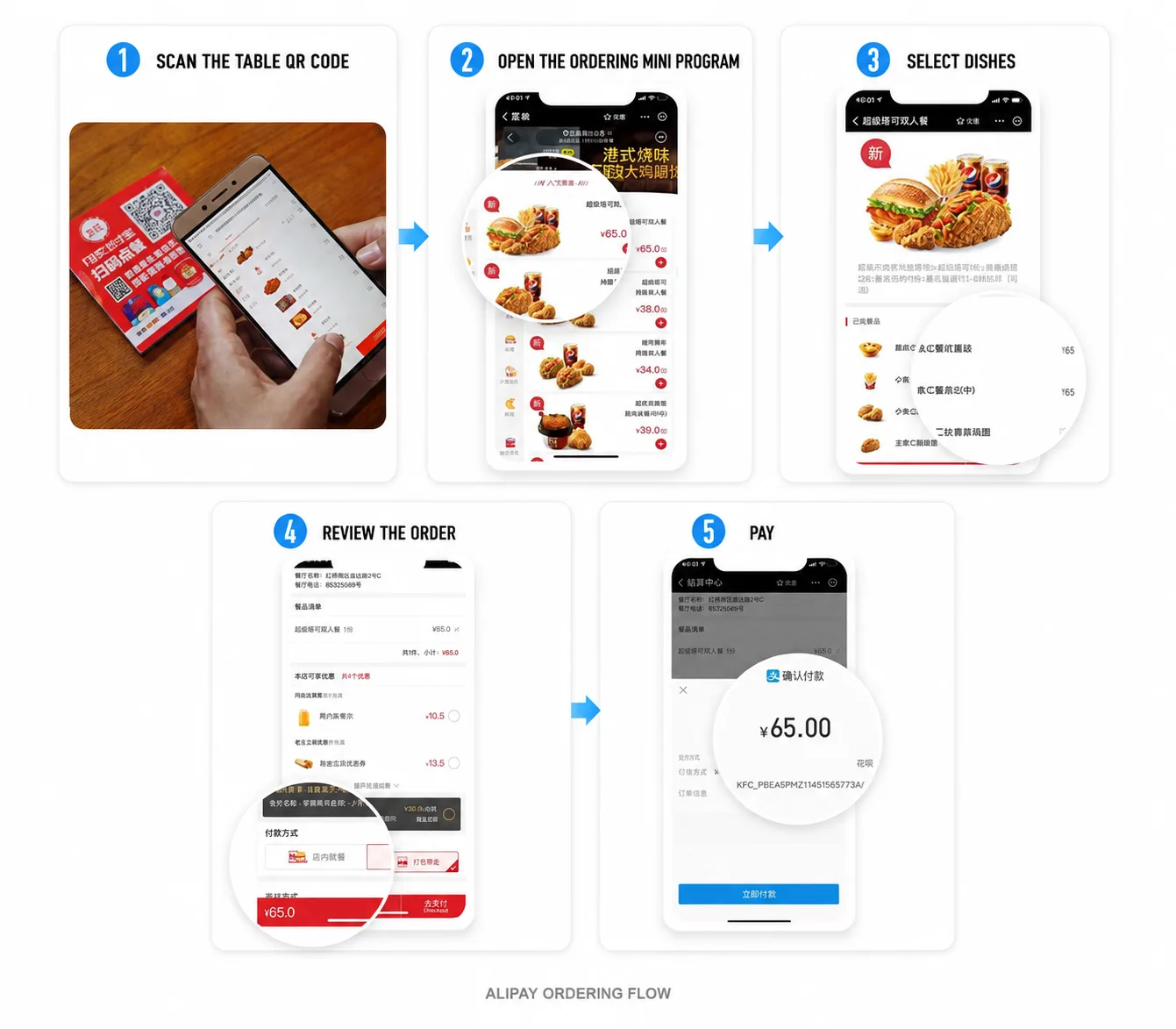
The real portrait screens illustrate a common order flow; labels vary with the restaurant's ordering system.
Order with Alipay Tap
Some restaurants also provide an Alipay Tap area. It uses the phone's NFC connection. Unlock the phone, make sure NFC is enabled and hold the NFC area on the back of the device close to the blue contact point on the table card. Alipay opens the restaurant Mini Program, after which the menu, order and payment work much like the QR route.
This requires an NFC-capable phone and a working Alipay installation. The NFC antenna is commonly near the upper back of the phone, though its exact position varies. Use this route only where the table marker explicitly shows Alipay Tap or the blue contact symbol.
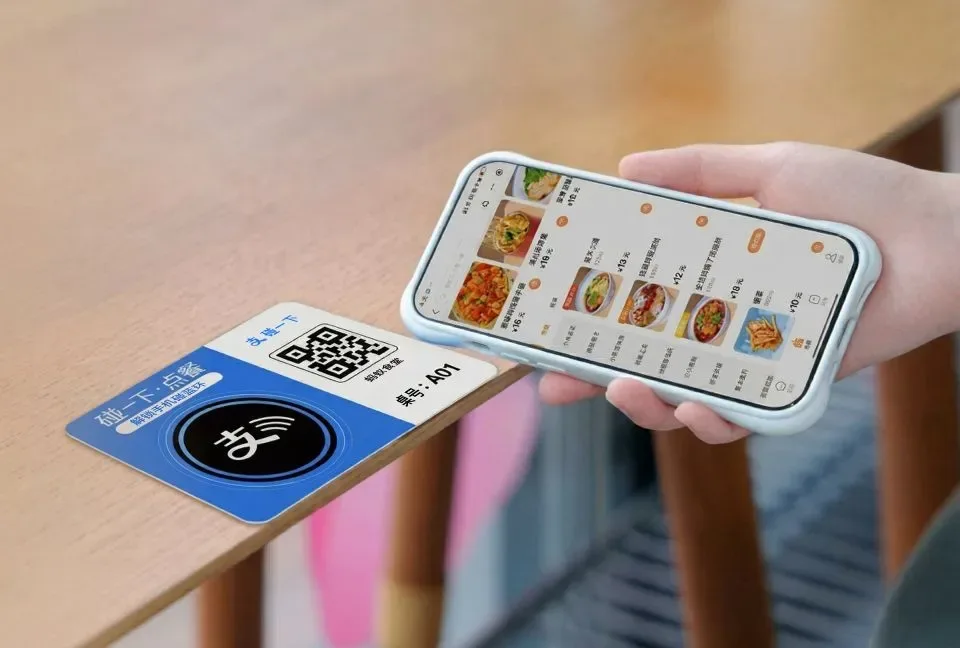
Touching the Alipay Tap marker opens the restaurant's Chinese menu inside Alipay.
Chinese menus and staff assistance
The mobile menu is usually in Chinese, and dish names can include regional terms, cooking techniques and abbreviated set names. Phone translation can help identify the dish, main ingredients and buttons. For portion size, flavour or combinations, show the live page to a member of staff.
Keep the phone on the dish or basket screen and use one of these phrases:
可以帮我点菜吗?— Could you help me order?这道菜是什么?— What is this dish?我们有三个人,这些菜够吗?— There are three of us. Is this enough food?请帮我确认已经下单。— Please help me confirm that the order has been submitted.
Staff can explain portions, select an option, confirm the table number and help submit or settle the order. QR and NFC are convenient ways to open the menu; they do not remove the option of ordering with help from the restaurant team.