
Journey To ChinaLast updated
What Alipay does
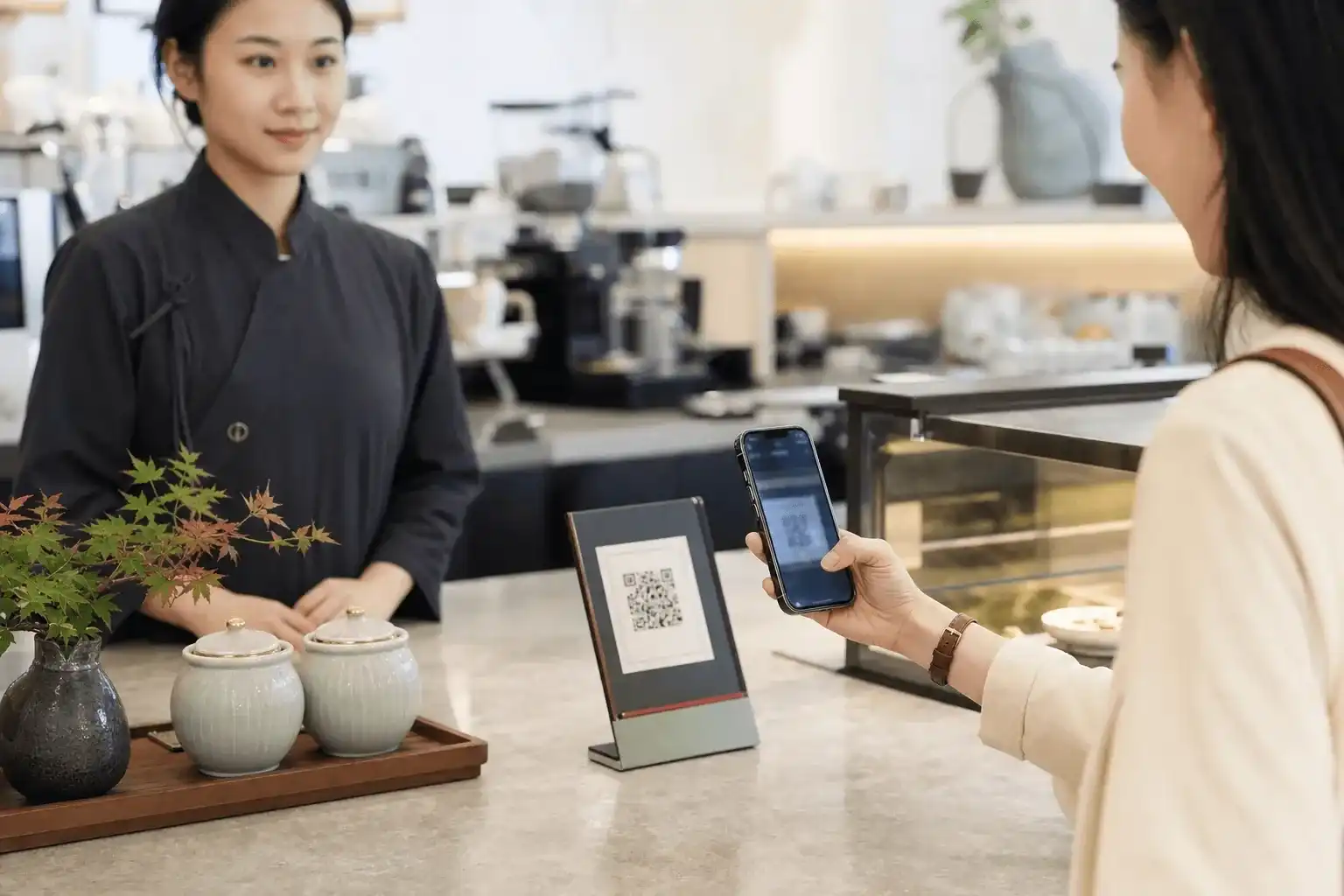
Alipay is one of the mobile payment apps used across mainland China. It also works as a doorway to everyday services. Most visitors only need a handful of buttons: Scan, Pay/Receive and Transport, plus mini programs for trains, hotels and taxis.
Three names tend to get mixed up:
- The Alipay app is the app covered here. An international visitor can register with an overseas mobile number and follow the prompts to link an eligible card issued outside China.
- Alipay+ is a cross-border payment network. Some overseas e-wallets can pay at mainland merchants displaying the Alipay+ mark, but using one of those wallets does not create an Alipay account.
- Mini programs are services that run inside Alipay. Railway 12306, Trip Hotels and other booking tools may appear there, but the service provider handles its own tickets, changes, cancellations and support.
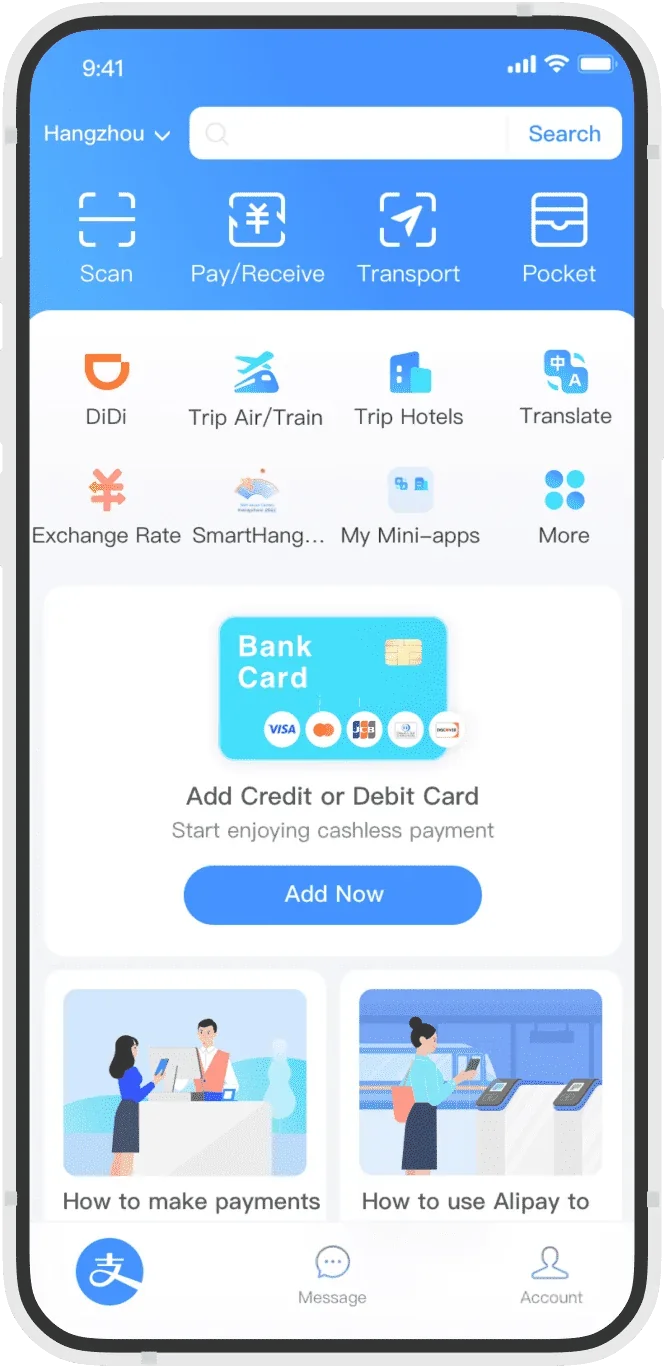
This official example shows Scan, Pay/Receive, Transport, Trip Air/Train and Trip Hotels on the home screen. The order changes with the app version, language and account region.
Where Alipay is useful on a China trip
Paying in shops, restaurants and attractions
There are two common checkout flows.
You may scan the merchant's collection QR code. Open Scan, point the camera at the code and check the merchant name before paying. Some codes ask you to type the amount yourself. Confirm it with the cashier first, especially when decimals are involved.
The other option is to let the cashier scan your payment code. Open Pay/Receive and show the moving code on your screen. Treat it as a short-lived payment credential. Do not send anyone a screenshot or leave it open when you are not at a checkout.
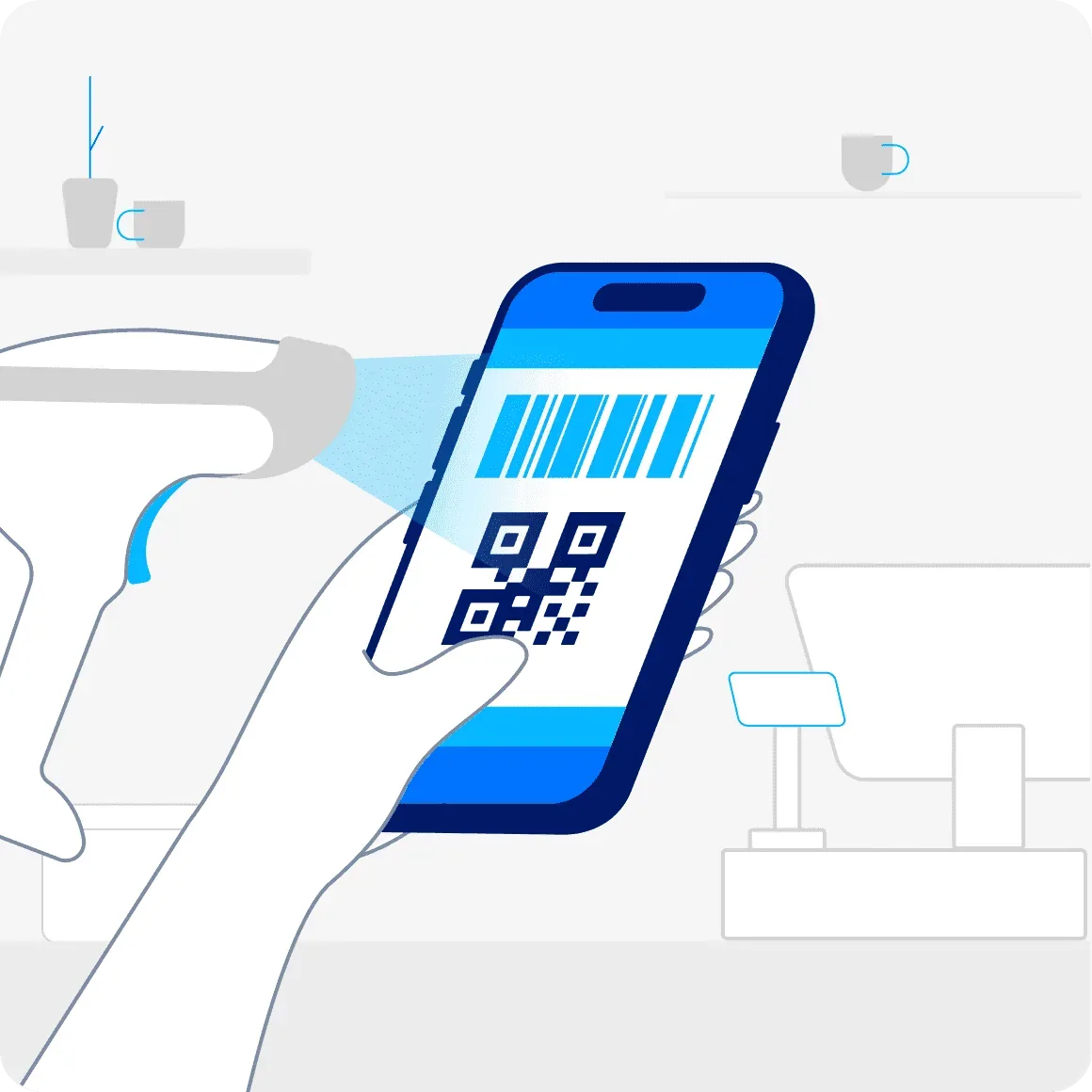
Read the merchant name and amount before approving the payment. Ignore random QR codes sent as a supposed refund or account check.

Buses and metro systems
Many cities issue local bus and metro QR codes through Transport. Open the code and hold it over the gate reader. Metro systems normally require the same city's metro code at both entry and exit.
A transport code is not the payment code used in a shop. It is not nationwide either. Beijing, Shanghai, Guangzhou and Hangzhou run separate local services, so check the selected city whenever you move on.
Train tickets and Railway 12306
Search for Railway 12306 in Alipay or open a train-ticket service from the home screen. A mini program can handle searches, passenger details and payment without making you leave Alipay. The ticket still comes from the China Railway 12306 system.
When booking with a passport, the passenger name, passport number, nationality and date of birth must match the document. If the mini program has incomplete English, rejects the passport or makes changes and refunds hard to follow, use the official Railway 12306 English website or its official app. Similar names do not mean a booking tool is part of 12306.
Hotel bookings
Trip Hotels may appear on the international home screen, and other hotel mini programs can be found through search. Before paying, check the stay dates, guest name as printed in the passport, cancellation deadline and whether the rate is prepaid or paid at the property. If you will arrive late or have an unusual request, contact the hotel.
The booking platform or hotel fulfils the stay. If a refund is late, find the named service provider and original payment method in the order rather than asking Alipay to solve the accommodation issue itself.
Taxis, flights and other services
Alipay can also open taxi, flight, attraction-ticket, food-delivery and bike-sharing services. Most are mini programs or partner products. Payment may run through Alipay, while the partner sets the rules for cancellations, driver contact and customer support. Built-in translation helps in some places but does not cover every mini-program screen. The ride-hailing guide covers Alipay's entry point and the complete booking flow.
Official download links
| Platform | Official link | What to check |
|---|---|---|
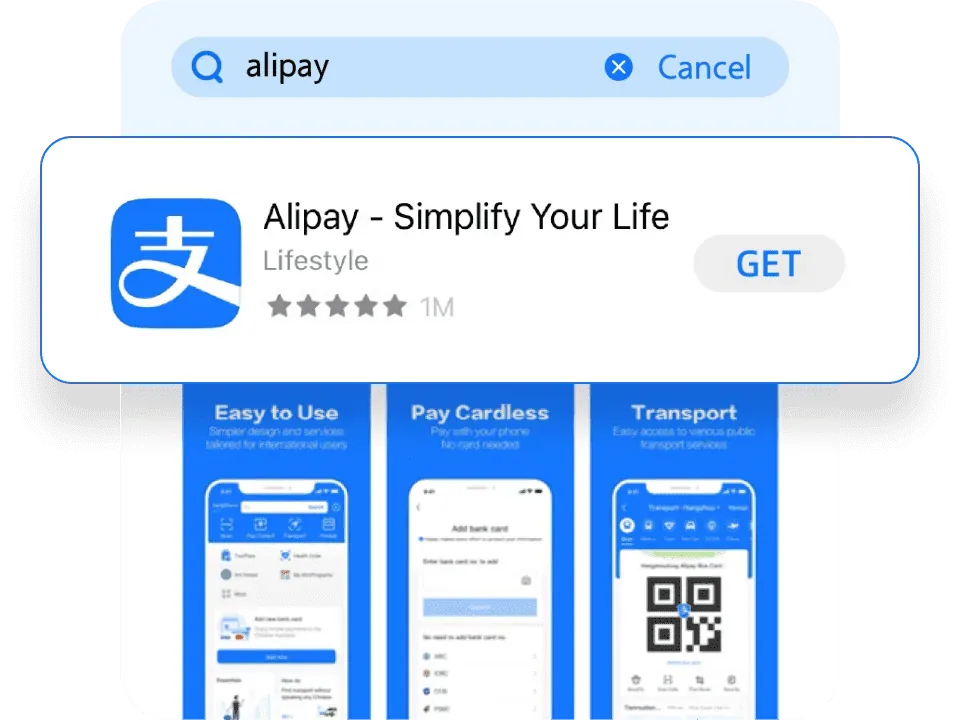
| iPhone / iPad | Apple App Store: Alipay - Simplify Your Life | The App ID is 333206289 and the developer is Alipay (Hangzhou) Technology Co., Ltd. The listing can look slightly different between store regions. |
| Android | Google Play: Alipay | The package name is com.eg.android.AlipayGphone and the developer is Alipay (Hangzhou) Technology Co., Ltd. |
| Web and download QR | Alipay+: pay in the Chinese mainland | This page provides official instructions and a download QR code. It is not a browser version of the wallet and cannot replace the phone app at a till or metro gate. |
If Alipay is not visible in your local app store, check the region of your Apple ID or Google Play account and the device requirements. Do not install an APK from a forum, file-sharing site or unsolicited message.
Registering as an international visitor
Install the app before departure if you can, but make sure you will still receive SMS messages during registration and identity checks. Many travel eSIMs provide data only. They cannot receive a verification code.
Create the account with a number you keep
- Open Alipay and choose the country or region calling code.
- Enter a mobile number that can receive SMS and tap Next.
- Enter the verification code and complete the security prompts.
- If Alipay offers an international version or language selection, choose the option you prefer. Labels move between versions, so do not keep reinstalling the app to hunt for a screenshot-perfect button.
An overseas number works. You do not need a mainland Chinese SIM first. Use a number you expect to keep after the trip because refunds and account recovery may arrive later. A hotel, guide or friend's phone number is a poor substitute.
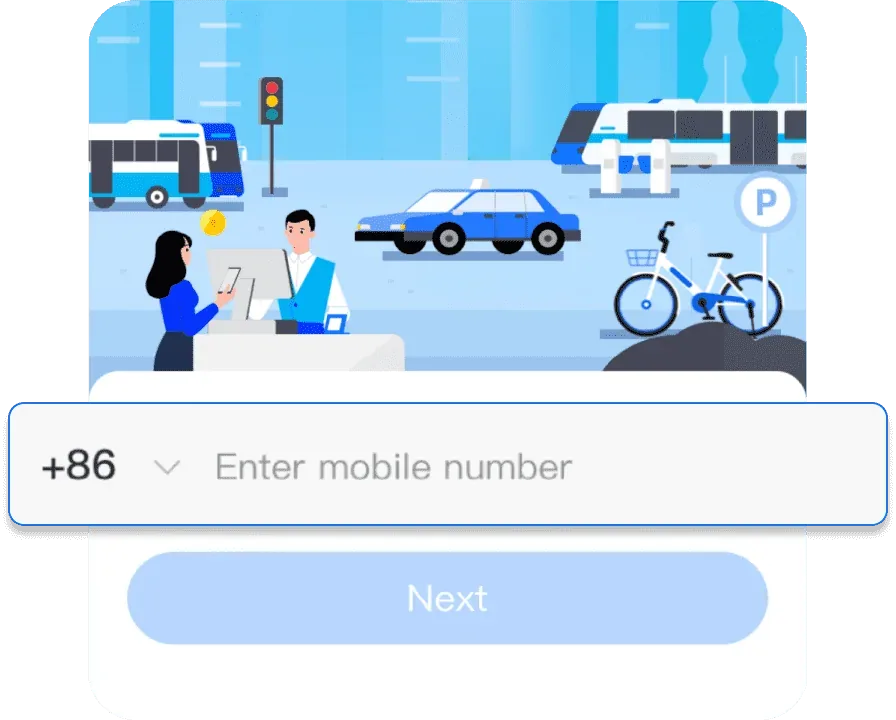
Complete identity verification when requested
Not every new account sees the same verification flow. Alipay may ask for more identity information when you link a card, request a higher limit, activate a city's transport code or trigger a security check.
The usual flow asks for the country or region that issued the identity document, a passport scan, the name shown in the passport and sometimes a face check. Copy the name, passport number and date of birth exactly. Do not swap the family and given names or drop a middle name just to make the form shorter.
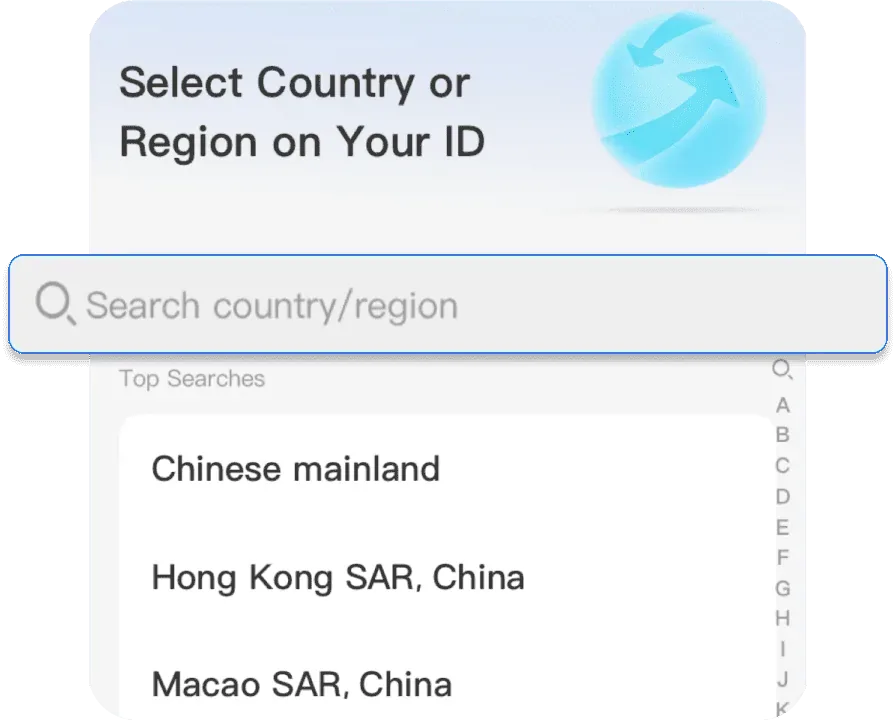
Avoid glare when photographing the passport. The portrait, machine-readable zone and all four corners need to be visible. If the check fails, look at camera permission, the connection, name order and passport validity before uploading another image.
Linking an international bank card
Card networks and bank approval
The Chinese government's payment guide for overseas visitors lists Visa, Mastercard, American Express, JCB, Diners Club, Discover and UnionPay. A logo on that list does not guarantee that every card will link. The result still depends on the exact product, issuing country, bank settings and Alipay's current support.
One failed card does not mean its entire network is blocked. Check that the issuing bank permits overseas online payments and 3-D Secure or SMS verification. Debit and credit cards from the same bank may behave differently.
Add the card
- Tap Add Now on the bank-card panel on the home screen. If the panel is absent, open the bank-card area under Account.
- Type the card number or scan the card if the page offers that option. Check every digit after scanning.
- Enter the expiry date, security code, cardholder name and any billing details requested by the issuer.
- Complete the bank's SMS, banking-app or 3-D Secure approval.
- Once the card is linked, make a small test purchase before relying on it for a train, hotel or larger shop bill.
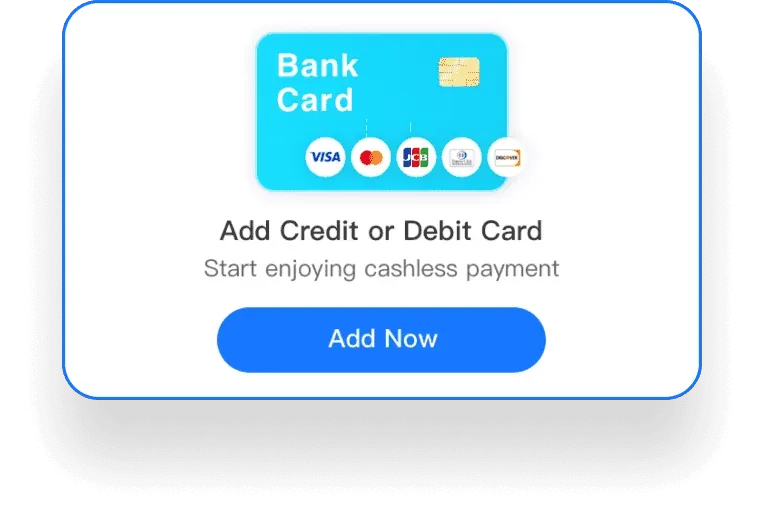
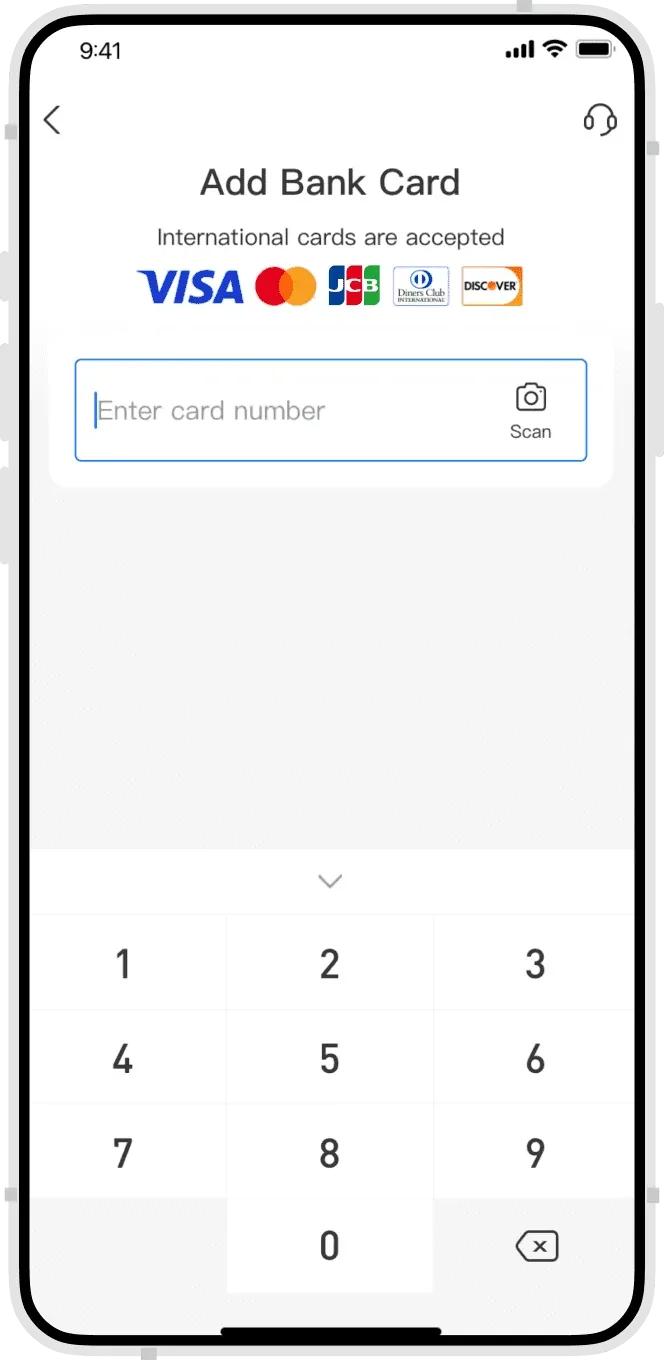
A separate travel card is a sensible choice, with instant transaction alerts switched on in the bank app. Never give a card number, security code, SMS code or passport image to an individual claiming to be support.
Fees, exchange rates and limits
Old travel posts often state these numbers as if they never change. They do.
- Alipay+'s current visitor page says the card network and issuing bank provide the exchange rate for an international-card payment. The card statement is the final record. The issuer may add its own foreign transaction or currency conversion fee.
- A Chinese government payment guide published in 2024 said Alipay charged no platform service fee for a transaction of RMB 200 or less, and 3% of the transaction value above RMB 200. Check the live confirmation screen because fee policies can change.
- Mobile-payment ceilings published in 2024 were raised to USD 5,000 per transaction and USD 50,000 per year. These are ceilings, not a promised card allowance. A bank, merchant, identity status or security check may set a lower limit.
If a service fee appears, review it with the total before the final confirmation. For an expensive hotel stay, shopping purchase or medical bill, carry another payment method.
What an overseas card cannot fund
Alipay+'s current visitor guidance limits international-card use to everyday purchases in mainland China. It does not support person-to-person transfers, red packets, investments, insurance or other financial services.
Linking a card therefore does not turn the account into a full mainland wallet. If a landlord, driver or individual seller only accepts a personal transfer, the overseas card may not work. Do not send money to a stranger so they can pay on your behalf.
Paying at a merchant
Scan the merchant's code
- Open Scan on the home screen.
- Scan the collection code at the counter or on the bill.
- Read the merchant name. If you must type the amount, confirm it with the cashier.
- Choose the linked card and review the amount, any service fee and currency information.
- Approve with the payment password, fingerprint or face check. Keep the success screen or order record.
Show your payment code
- Open Pay/Receive.
- Select the correct linked card.
- Let the cashier scan the moving code on the screen.
- Wait until Alipay clearly shows that the payment succeeded before leaving.
If the first attempt fails, do not tap repeatedly without checking the order status. Look at the Alipay transaction list and the bank alert first. Duplicate charges are much harder to sort out after you have walked away.
Activating a city bus or metro code
The screens vary by city, but the path usually looks like this:
- Open Transport on the Alipay home screen.
- Check the city shown at the top and switch it if needed.
- Choose Metro or Bus. Some cities combine them; others make you activate each one separately.
- Read the transport agreement and approve the account information and payment method it requests.
- Complete passport verification if asked, then select an eligible linked card.
- Keep the transport code easy to reach. For a metro ride, use that city's metro code at both entry and exit and wait for the gate to confirm each scan.
A shop payment code will not open a metro gate. The code inside Transport is the one you need. Check the city name again after moving to a new destination.
Do not start registration while blocking a gate in rush hour. Activate the service in the hotel or station concourse first. If the code never appears, buy a single ticket from a machine or staffed counter. That fallback also covers a flat battery, poor connection or temporary account restriction.
Buying a Railway 12306 ticket through Alipay
- Search Alipay for Railway 12306, or open a train service from Trip Air/Train.
- Check the service name and provider. Choose China Railway 12306 when you want the official channel.
- Add the passenger with Passport as the document type. Check the name and passport number character by character.
- Search the date and train, then choose the departure station, arrival station and seat class. Beijing, Beijing West, Beijing South, Beijing North and Beijing Chaoyang are different stations.
- Submit the order and pay with Alipay. Confirm that a ticket was actually issued, not merely that payment succeeded or issuance is pending.
- Handle changes, refunds and wait-list orders in the channel that created the booking. Refunds normally return to the original payment method, and the issuing bank affects the timing.
Railway sales windows and rules change. If the mini program lacks English, fails to verify a passport or leaves the order status unclear, switch to the official 12306 English website or app. Avoid placing duplicate orders on several platforms.
Booking a hotel through Alipay
- Open Trip Hotels from the home screen or search for a hotel mini program you trust.
- Enter the city and stay dates. Check which taxes and service charges are included.
- Type each guest name as it appears in the passport.
- Read the cancellation deadline, prepayment or pay-at-property terms, breakfast details and deposit policy.
- After paying through Alipay, save the order number, hotel address and phone number offline.
- Carry the passport used for the booking. If a third-party platform fulfils the order, contact that platform or the hotel for changes to the stay.
Straight-line distance on a map tells only part of the story. For a late arrival, check reception hours, the real route from the airport or station and which card will receive a refund after cancellation.
Fixing common problems
The SMS code never arrives
Check the calling code, roaming and SMS reception, then turn off message filtering. A data-only eSIM usually cannot receive the code. Avoid hammering the resend button because that can cause a temporary block.
The bank card will not link or pay
Open the bank app and look for an approval request or decline notice. Confirm that overseas, online and card-not-present payments are enabled. If the issuer sees no attempt, contact Alipay. If the bank declined it, ask the bank to remove the restriction first.
The transport code will not activate
Check the city, identity verification and payment card. Local operators set some of the conditions, so a card that works in a shop may still fail for transport. Buy a single ticket if you are short of time.
A mini program is only in Chinese
Try Alipay's translation tool, but do not expect it to translate every screen. For a refund, date or amount that must be exact, move to the service provider's official English website or app.
Contacting Alipay
Alipay+'s current visitor page lists these support numbers:
- From mainland China:
0571 2688 6000 - From outside mainland China:
+86 571 2688 6000 - Service hours: Monday to Sunday, 08:00 to 24:00 China time
Phone numbers and hours can change. Check the Alipay Help Center or official visitor page before calling.
A five-minute check before departure
- Install Alipay from an official app store and check the developer or package name.
- Register with a mobile number you will keep and that can receive SMS.
- Have a valid passport ready for identity verification.
- Link a card that allows overseas online payments and make a small test purchase.
- Open Transport and see whether your destination city provides a bus or metro code.
- Save hotel orders, train tickets and support details offline.
- Carry another card and a small amount of RMB cash for a dead phone, poor connection or temporary account block.
Official sources
- Alipay+: using Alipay in mainland China, including registration, card linking, supported uses, restrictions and support details.
- Apple App Store: Alipay - Simplify Your Life.
- Google Play: Alipay.
- Chinese government: A Guide to Working and Living in China as Business Expatriates 2025, covering overseas cards, QR payments, transport, rail and hotels.
- Chinese government: payment service guidance, including mobile-payment limits and language support published in 2024.
- China Railway 12306 English website.
Fees, limits, supported cards and city transport services can change. Use the confirmation screen and service agreement shown in Alipay when you activate a service or pay.